USMA/Veeva Status and Link Generator Tool
Enter one or multiple MedComm IDs to utilize the Veeva Generator tool:
-
Single ID: Generate a production URL with or without USMA navigation. Use this URL to create a QR code or embed it in marketing materials or email campaigns.
-
Multiple IDs: Check the expiration date, status, and whether the “Publish to USMA Web” setting is enabled for each ID.Color Indicators:
-
Yellow: Med Comm ID will expire within 30 days—review and take action.
-
Red: Med Comm ID is expired—submit a USMA Change Request (CR) immediately to remove from website or extend the effective date in Veeva
-
Black: No action needed.
-
-
Invalid IDs will show no results, please confirm you are using a valid Med Comm Id when using this tool.
Analytics Definition:
- Veeva Generator URL tracks all hits as a Med Comm ID and does not know what Resource type it is.
- Video and Podcasts URLs that are not in BrightCove and NOT on the USMA website will only get tracked via Med Comm ID
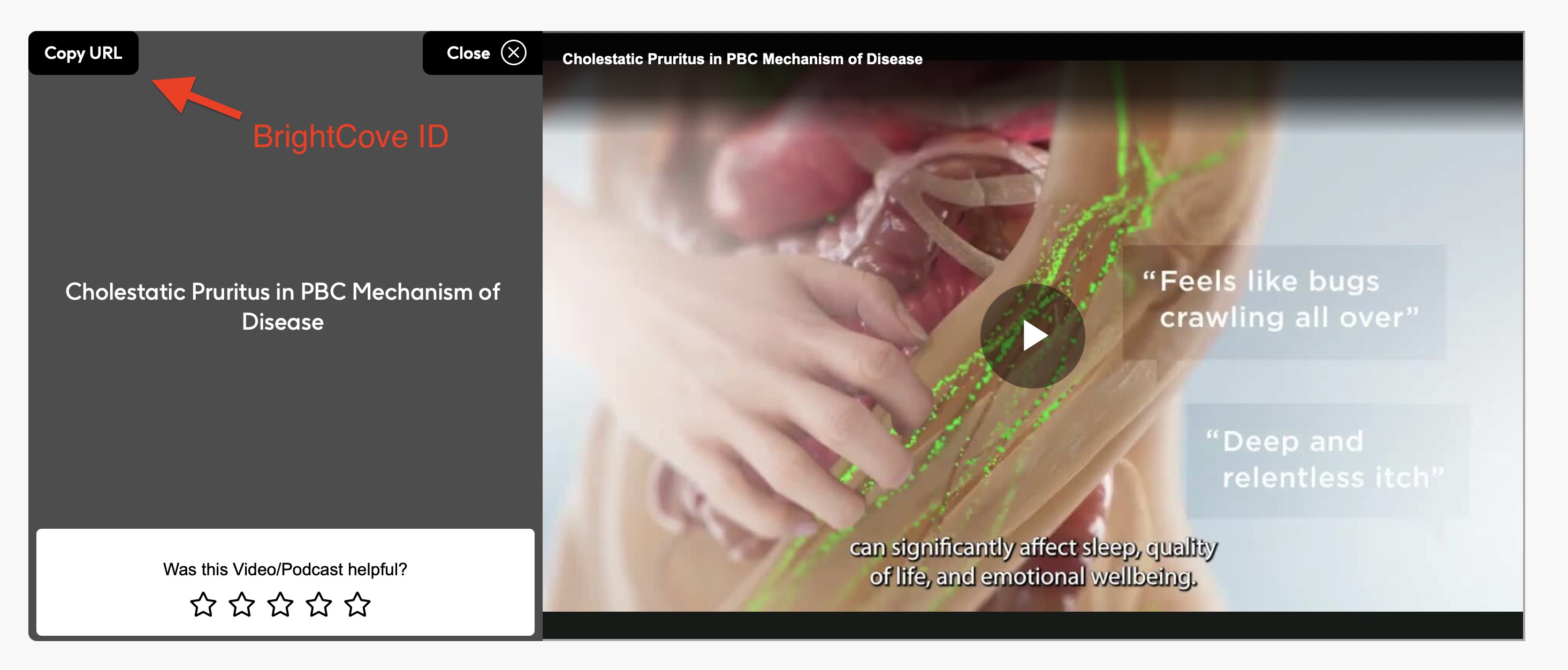
- Video traffic played directly from the USMA website or copy/sharing the Video Player Copy URL tracks using BrightCove ID and NOT Med Comm ID
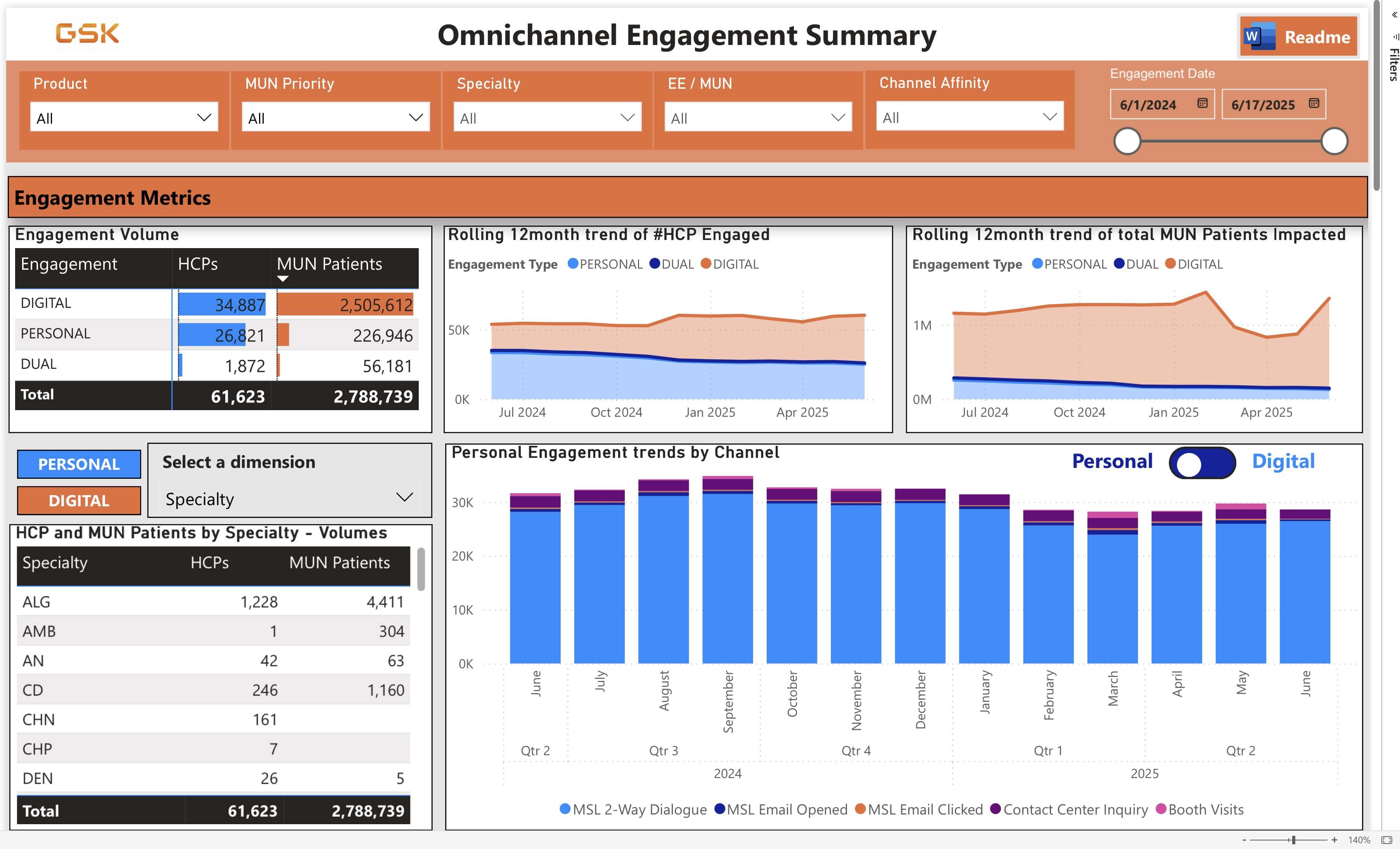
- The Content Type field has been added to the “Top Document” visual in the Power BI Dashboard. You can now search video/podcasts to find out how many videos are being viewed through Doc viewer links and BrightCove player IDs.